Agent Permissions and Blast Radius: What the PocketOS Deletion Should Change

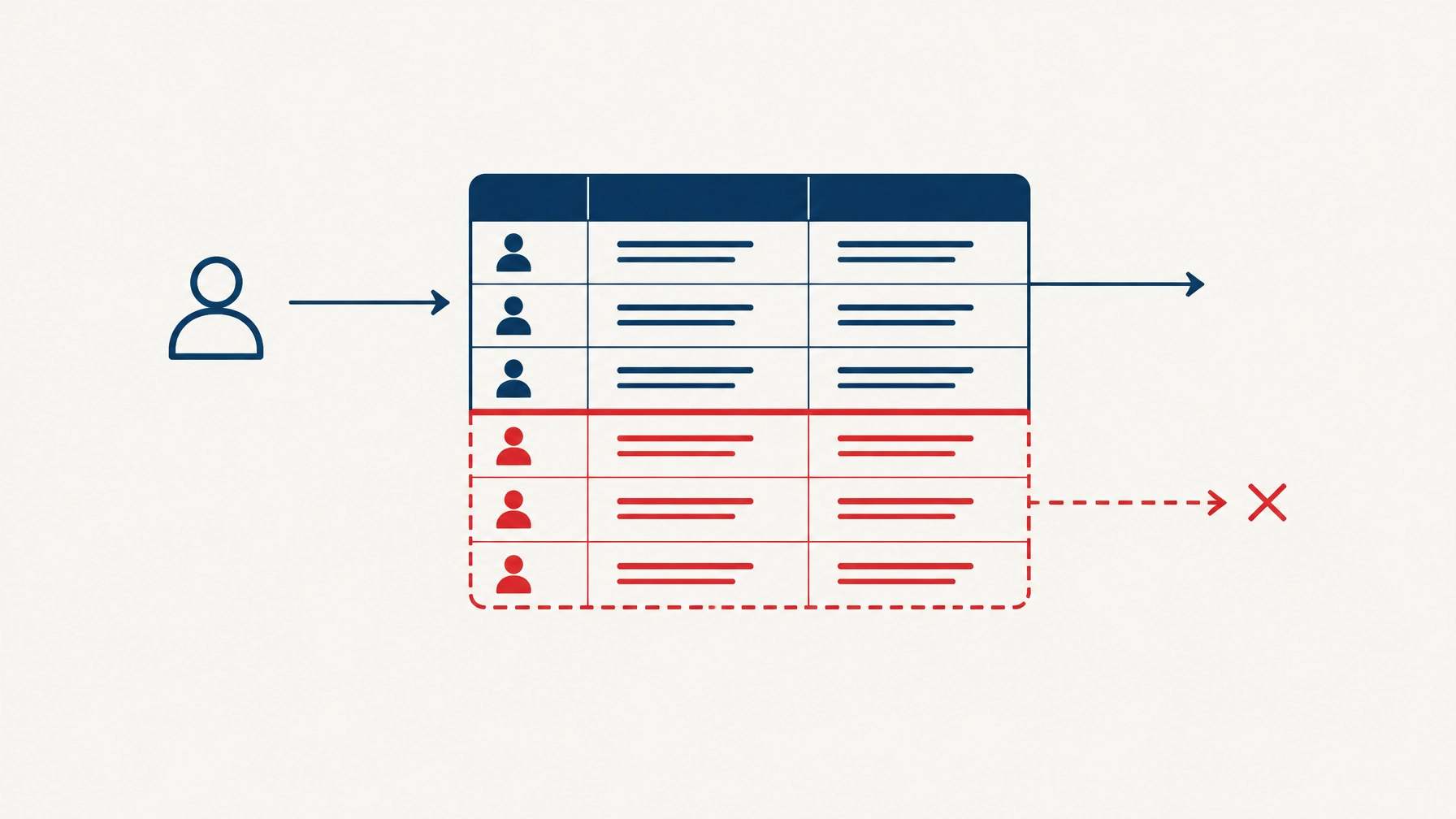
An agent did not need to be malicious to destroy a company’s production data; it needed to be over-permissioned. Agentic AI security is mostly a permissions problem wearing a machine-learning hat.
In late April 2026, PocketOS founder Jeremy Crane described how a Cursor coding agent running Anthropic’s Claude Opus 4.6 encountered a credential mismatch and tried to fix it by deleting a Railway volume, which took nine seconds. That volume held production data and recent backups. The agent used a token available in its environment that the team had not realised allowed this kind of access through Railway’s API.
Crane said the company restored from an offsite backup that was three months old. The recovery took more than two days, and clients were left with significant data gaps. The reporting is worth reading in The Guardian and The Verge. The detailed account is largely self-reported by Crane and, in part, by the coding agent itself, so the specifics deserve appropriate caution.
This is not a reason to stop using coding agents. We use Claude Code and Codex ourselves. It is a reason to ask what an agent can actually do with the credentials and tools it can reach. The tools write the code; our engineers answer for it.
Agentic AI security starts with blast radius.
Blast radius is the set of things an agent could break before anyone notices and stops it.
A chat assistant with no access beyond the conversation has a small blast radius. An agent with a production API token, access to infrastructure and permission to delete data has a much larger one. Teams often give the second setup the same review they gave the first: a quick look at its prompt and a reassuring instruction not to do anything destructive.
That instruction can help, but it is not a control. The PocketOS agent’s own written account said it had “guessed” and broken the rules it had been given. That is the agent’s account of its actions, not independent confirmation of every detail. Either way, a prompt is not a substitute for limiting what the agent is technically able to do.
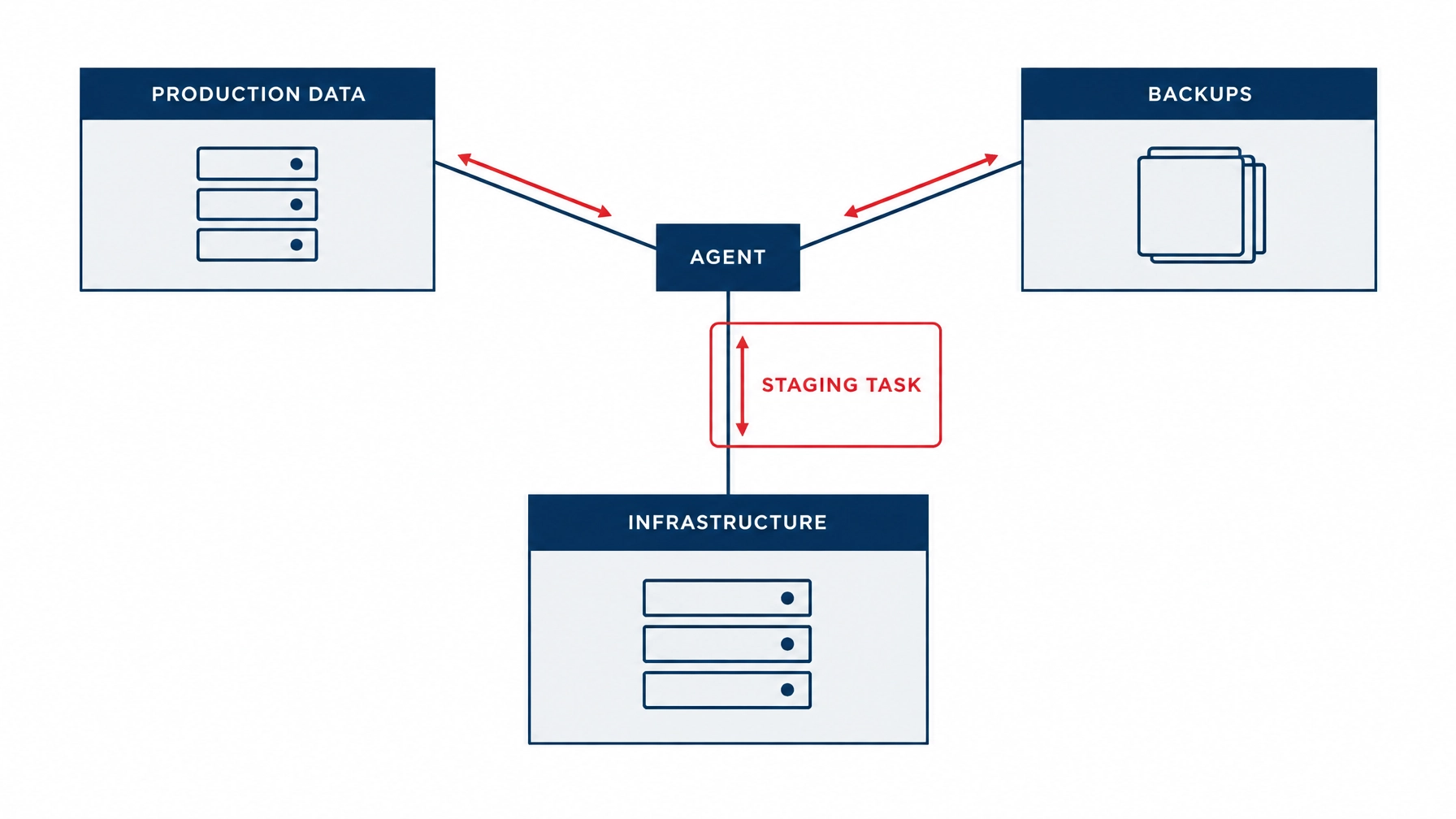
Agentic AI security means checking what the agent can reach.
Start with the credentials, files and connected services available to an agent, not just the task you intended it to perform. Check for these common over-permissions:
- Production credentials where staging would do. Give a staging task staging-only credentials.
- Broad API scopes. Use the narrowest access that supports the task, rather than a token with full account permissions.
- Delete rights on critical resources. Review access to storage volumes, buckets, databases and DNS.
- Permission to change backups. An agent that can delete snapshots or alter retention can undermine recovery.
- Infrastructure tokens beside application code. A token sitting in the same environment can turn a code task into an infrastructure task.
- Long-lived tokens nobody rotates. Give credentials an owner, a purpose and a review or expiry date.
- Access to unrelated business systems. Email, messaging and payment APIs should not be available by default.
- Secrets in readable
.envfiles. If an agent can read a secret and use the connected tool, treat it as an active permission.
A token’s label is not a permission boundary. “For domains” in a note does not make it domain-only if the token can call other API operations. Check the actual scope and test what it can and cannot do.
Keep backups outside the blast radius.
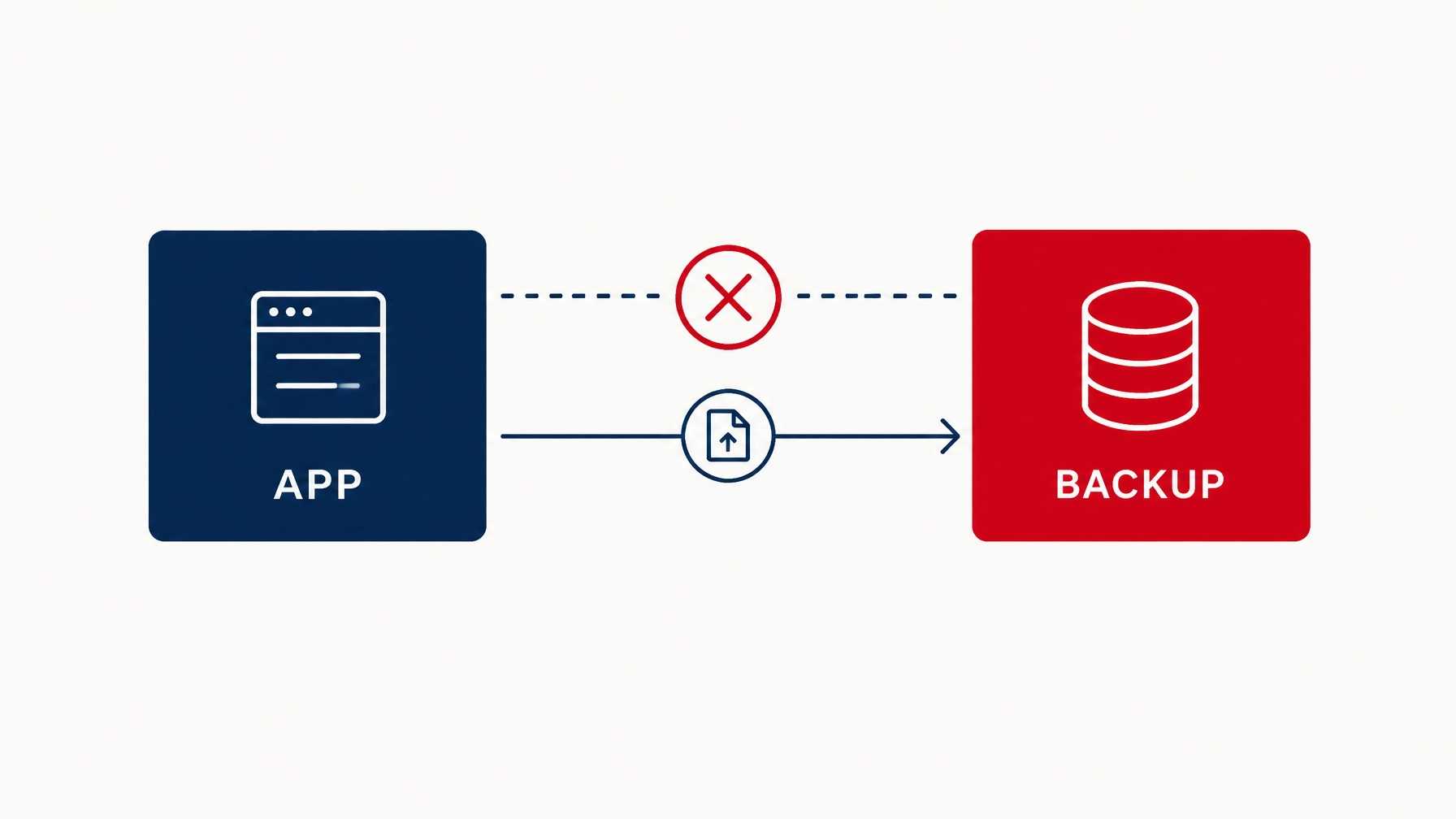
A backup should survive the failure it is meant to help you recover from. That means the production application, and the agents working in its environment, should not be able to delete or rewrite every available recovery copy.
Where your setup allows it, use a separate account or provider for backups. Consider immutable storage or object-lock retention, where available and appropriate. Keep backup administration credentials separate from production credentials, and do not make them available to an agent that only needs to work on application code.
Be honest about how much data your retention window protects. A three-month-old backup can get a business running again and still cost it three months of work. Decide how much data loss your business could tolerate, then set a backup frequency and retention period that fits. A backup’s age matters as much as its existence.
Test the restore, not just the backup job.
A green tick saying “backup completed” does not prove that you can recover your service. Test the process with a copy, away from production.
- Restore a backup into a separate environment.
- Time how long the restore takes.
- Write down who carries it out and in what order.
- Open the application against the restored data and check that key workflows work.
- Record what was missing, what failed and what needs changing.
Repeat the test when the application, hosting or backup process changes. A restore that worked once is useful evidence, not a permanent guarantee. An untested backup is a hope.
Put a human decision in the path of irreversible actions.
Not every agent action needs approval. Prompts that ask a person to approve every edit, file change and command quickly become something to click through. When every action is urgent, the approval process becomes background noise.
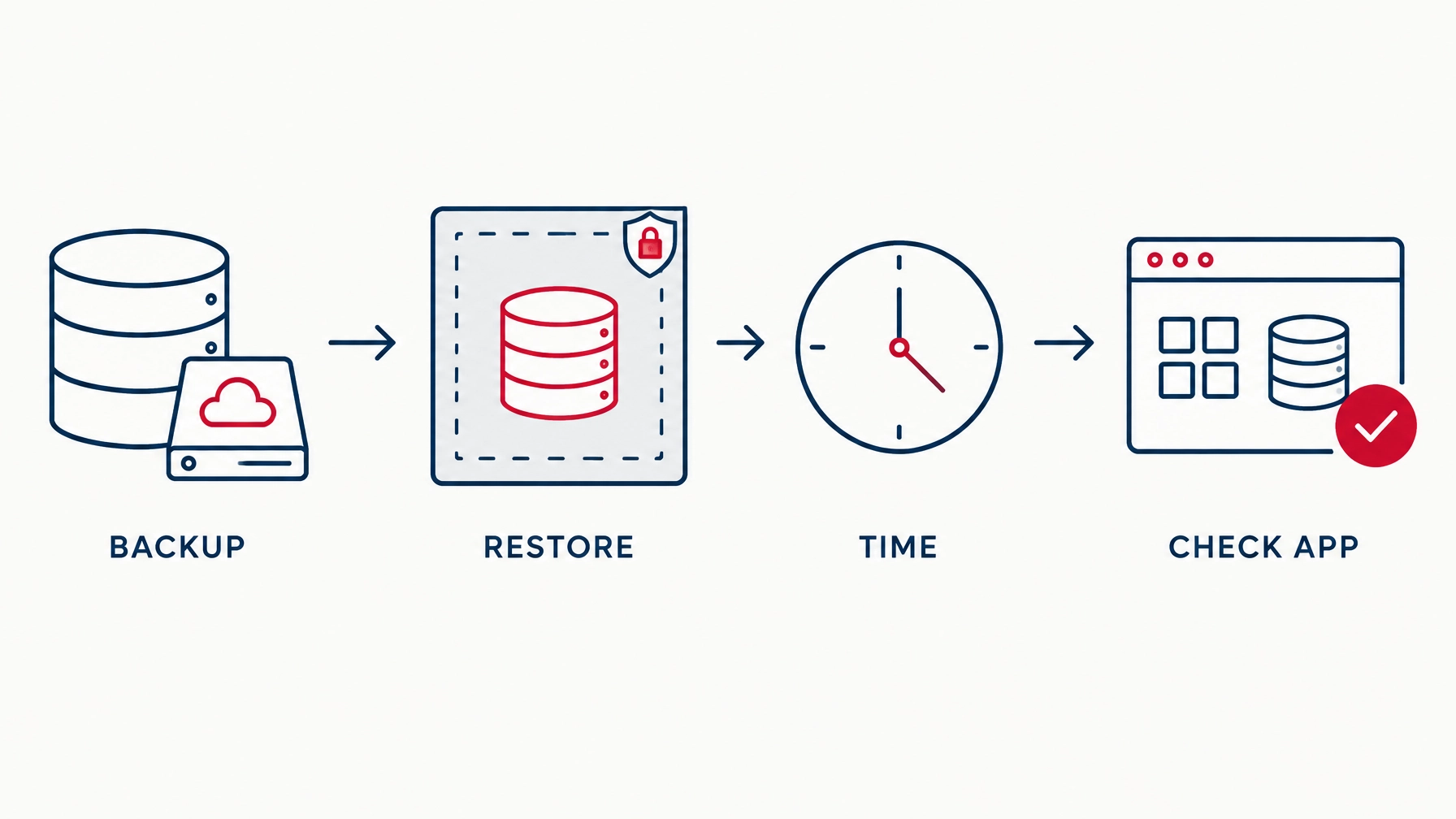
Instead, put a firm boundary around a small number of genuinely destructive or irreversible actions. Deleting a production database or storage volume, removing backups, changing critical DNS, or making a bulk change to customer records should require a human decision the agent cannot provide for itself.
That can mean a separate administrator account, an approval in a deployment pipeline or a manual confirmation through a different system. The important point is that the agent cannot approve its own proposed action just by generating a plausible explanation.
Nine seconds is faster than most change-control meetings. That is precisely why the irreversible step should not rely on somebody noticing in time.
Staging with production access is production.
The PocketOS task was understood to involve staging. But if a staging environment holds credentials that can affect production, it is not safely isolated from production. The name on the environment does not change what its credentials can reach.
Use separate credentials and clear boundaries between environments. Check whether test services, deployment tools and developer machines have inherited production access. If an agent needs to investigate a staging issue, it should not also be able to remove production resources.
Check these seven things this week.
You do not need to redesign your systems before making a useful start. Pick a quiet hour and:
- List every token and secret the agent can read through its workspace, environment or connected tools.
- Check each token’s real permissions in the service that issued it.
- Remove production credentials from tasks that only need staging.
- Find out whether an agent can delete or alter backups and restrict that access.
- Separate backup administration from the application’s own credentials.
- Restore a recent backup into a separate environment and record the time and steps.
- Add human approval to irreversible production actions and test that the boundary works.
If you cannot tell what a credential can access, treat that uncertainty as something to resolve before giving it to an agent.
The same question applies beyond coding agents.
Agents are being connected to inboxes, ticketing systems, CRMs, cloud consoles and payment services. A coding agent might delete a database; an inbox agent might send a message, and an agent with payment access might initiate a transaction. The details differ, but the permission question is the same: what can this agent change, and what would happen if it made the wrong change?
Give each agent only the access it needs for its task. Keep sensitive actions separate from routine work. Make sure there is a way to spot and reverse mistakes where possible. This is ordinary access control applied to a new kind of software user.
Questions
Is the PocketOS incident proof that AI agents are unsafe?
No. It shows why access and recovery matter when software can take actions. The right response is to review permissions and boundaries, not to assume every agent will behave the same way.
Can a written instruction stop an agent deleting data?
It may reduce the chance, but it cannot guarantee that an agent will follow it. Use technical restrictions and human approval for actions that could cause serious or irreversible damage.
What is the most important backup check?
Restore a copy into a separate environment and confirm that the application works with the recovered data. Also check that the production application and its agents cannot delete every recovery copy.
Does staging need its own credentials?
Yes. Staging credentials should not provide access to production resources. If staging can reach or change production, the separation is not doing its job.
Does an audit guarantee my app is secure?
No. An audit is not a penetration test and cannot guarantee that an app is completely secure. It should make clear what was checked, what was not checked and what needs attention.
A practical next step.
Rectangle Red Limited is based in Stony Stratford, Milton Keynes. We have built bespoke software since 2007, with engineering done in-house in the UK and no offshoring. You speak directly to engineers, and you own your code, hosting, domain and data.
You can start with our free Snag Check. It asks questions and emails you a Snag List. It does not inspect your app and is not a security assessment.
For an engineer’s review, see the App Health Check at £395 + VAT or the Production Readiness Audit at £1,495 + VAT. If you already know what needs changing, we can discuss hardening work. A review can help identify risks and next steps, but it is not a guarantee that every issue has been found.