Vibe Coding Security: Is Your AI-Built App Safe to Launch?

Vibe-coded apps aren’t automatically unsafe, but the way AI tools build them makes a few specific failures very likely, and they’re the ones that hurt in production. The practical answer to “is vibe coding safe?” is yes, if you check how the app handles real users, real data and real failures before launch.
If you’ve made something useful with Lovable, Bolt, Replit, Cursor, Claude Code or ChatGPT, you’ve already done something worth being proud of. The next step isn’t necessarily to throw it away. It’s to check that the app is ready for people to rely on.
What does vibe coding security mean in practice?
Vibe coding security means checking that your app protects information, gives each person the right access, and behaves safely when something goes wrong. It also means checking the surrounding essentials: hosting, backups, releases and who owns the accounts.
An app can look finished and still have gaps that are difficult to spot from the screen. In practice, the issues we see include a webhook that trusts anyone who calls it, a database that lets users access other people’s records, or an API key included in the browser code.
Other problems show up under pressure. A launch-day rush can overwhelm an app that has only been tested by one person. A backup may never have run, or may not restore properly. Two people can save changes to the same record and overwrite each other. A report can look convincing while using incomplete or duplicated data.
And there are risks outside the code itself: nobody knows who controls the domain or hosting, or an AI-generated “fix” keeps breaking something that worked before.

What are the main vibe coding security risks?
The highest-priority risks often involve access and secrets. For example, Supabase Row Level Security (RLS) needs suitable policies on exposed tables. If it’s off or too permissive, someone may be able to see or change data that should be restricted. Supabase explains its production security checks and API security.
Not every key in a browser is automatically a secret: some services provide keys intended to be public. But a private or service-level key in browser code can give someone far more access than intended. Check your provider’s guidance, and keep secret credentials on the server.
Webhooks need attention too. A payment or other service may send your app an update, but your app should verify that the message really came from that service before acting on it. Otherwise, a caller may be able to fake an event.
These problems are fixable, but you need to test the app as different users and under less-than-perfect conditions, not only as its creator on a laptop.
How can you secure a vibe-coded app before launch?
Work through this app security checklist before inviting staff or customers to depend on the app. Use a test environment where possible, and don’t use real customer information for informal testing.
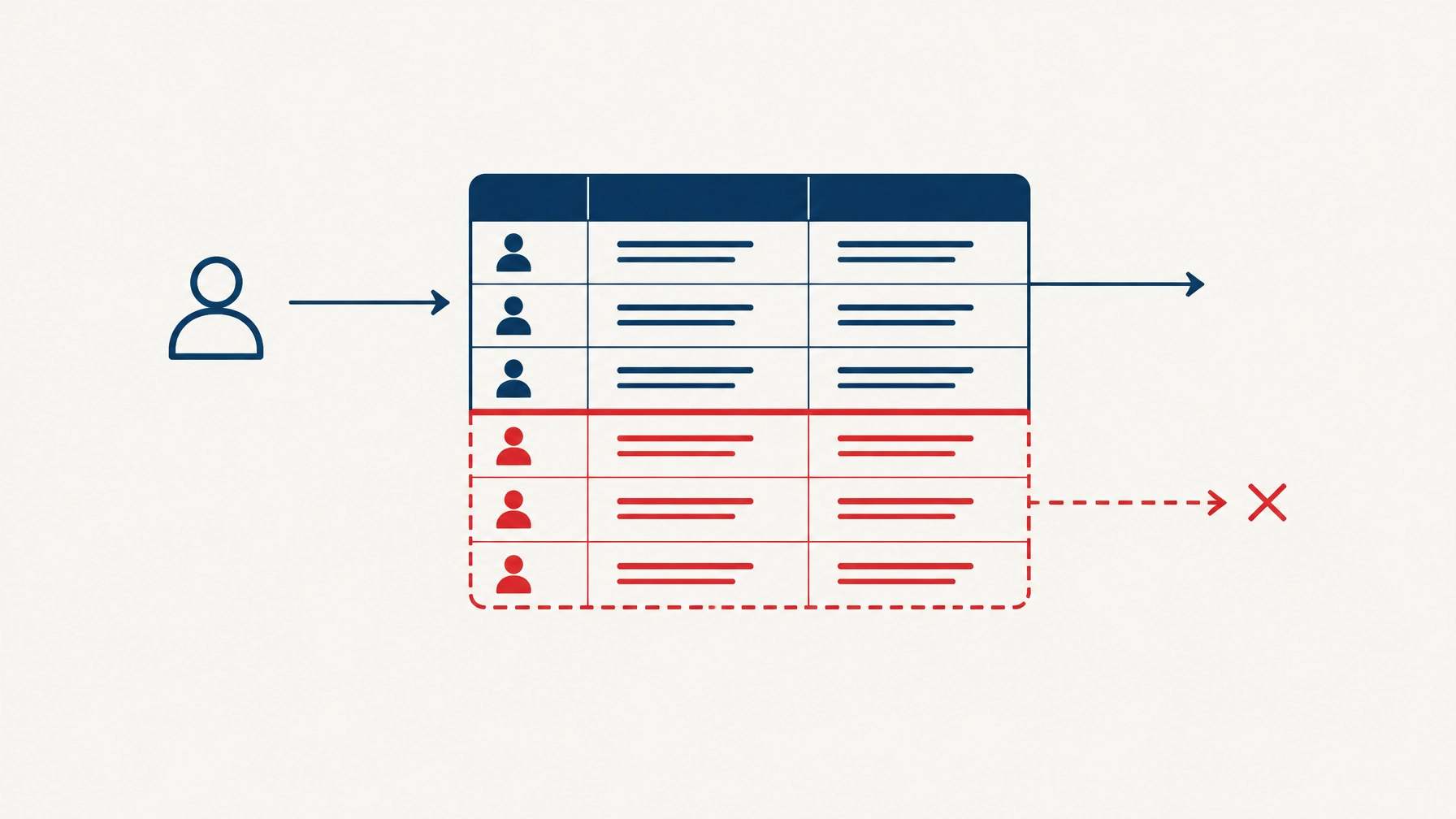
- Check who can see each record. Create two ordinary test accounts. Add a record under the first account, then sign in as the second. Try to view or change the first account’s information. Repeat for admin pages and any shared team data. If the second user can see more than they should, stop before launch and review the access rules.
- Look for private keys in the app. Search the project files and built browser app for terms such as
secret,service_role,API_KEYandPRIVATE_KEY. Confirm that private credentials are stored securely on the server, not sent to users’ browsers or committed to a public code repository. If a secret has been exposed, remove it and replace it. - Test the important workflows with mistakes. Try an incomplete form, an invalid value, a duplicate submission and a cancelled action. Check what happens if a user refreshes or loses their connection midway through. The app should give a clear response and should not create confusing, duplicate or half-finished records.
- Test webhooks and automatic actions. If your app receives notifications from a payment provider or another service, check that it verifies their signature before acting. Ask your developer how the handler deals with a repeated notification. A repeat should not, for example, charge a customer twice or create duplicate work.
- Test with more than one person at once. Have two test users open the same record and save changes close together. Check whether one person’s change silently overwrites the other’s. Also test duplicate actions such as clicking “submit” twice. Important records and transactions need safeguards against these situations.
- Check reports against known data. Put a small, known set of test information into the app and compare the totals and results with a manual calculation. Check how it handles missing, amended or duplicated records. A report that looks polished is not necessarily accurate.
- Try a realistic burst of activity. Ask your developer to test a level of usage that makes sense for your launch: several people signing in, saving records or uploading files at once. Watch for errors, slow pages and failed background tasks. A successful solo test doesn’t prove that the app will handle a busy morning.
- Make and restore a backup. Find out what is backed up, how often, where it is kept and who would restore it. The useful test is restoring a copy into a separate environment and confirming that the app and its data work. A backup you have never restored is still an unknown.
- Confirm who owns the essentials and how changes go live. Make sure your business can access the code, domain, hosting, database and service accounts. Know who can make changes, how those changes are tested, and how to roll back if an update causes a problem. Keep a copy of setup notes and key decisions.

What are vibe coding tools good at, and where do they fall over?
AI coding tools are very good at helping turn an idea into something visible and useful. They can produce a first version quickly, explain code, help with repetitive changes and make it easier for a founder to explore an idea without starting with a large development project.
Where they can fall over is the gap between “it works in this example” and “it behaves correctly in all the situations the business depends on”. Access rules, recovery, concurrency, deployment and the knock-on effects of a change require careful checking. A successful prompt or a clean-looking screen is not proof of production readiness.
We use Claude Code and Codex ourselves; the tools write the code, our engineers answer for it. That means reviewing changes and checking how the whole app behaves, rather than assuming AI-generated code is safe because it runs.
Should you check it yourself or get an audit?
If the app is still a prototype, you can start by working through the checklist and using your platform’s security guidance. For Supabase projects, its production checklist is a useful reference. For broader secure-development principles, see the OWASP Secure Coding Practices.
If staff, customers, sensitive information or important business processes are involved, an independent engineer can check more than a self-review typically can. Rectangle Red’s App Health Check is £395 + VAT for a short, defined review of an early app. A Production Readiness Audit is £1,495 + VAT for a standard review of a small web application. The right scope depends on the app.
An audit is not a penetration test, a compliance certificate or a guarantee that every defect has been found. No one should promise that an app is completely secure. A useful review explains what was checked, what was found and what to prioritise. You can then fix the issues yourself, work with your existing developer or ask for help hardening the app.

Questions
Is vibe coding safe for a business app?
It can be. The tool used to build an app does not decide whether it is safe to launch; its access controls, data handling, reliability and maintenance do. Check those before real users depend on it.
Do I need to rebuild my Lovable, Bolt, Replit or Cursor app?
Not necessarily. Many apps can be reviewed and improved without a full rewrite. First find out which parts are sound and which need work.
Is a free Snag Check a security audit?
No. The free Snag Check is an automatic first look based on your answers. It doesn’t inspect your app and isn’t a security assessment.
How do I know whether my app is ready for launch?
You need evidence that the right users can access the right data, key workflows work, backups can be restored, and the business controls the essential accounts. For an independent review, see what our app checks cover.
If you’re unsure where to begin, try the free Snag Check; it can help you identify what to look at next.